
Your child's picture-day photos live in a private, secure gallery on PhotoDay, the platform we use for galleries and checkout. This guide walks you through finding your gallery, viewing the poses, and ordering prints or digital downloads. Most families finish in a few minutes, right from a phone.
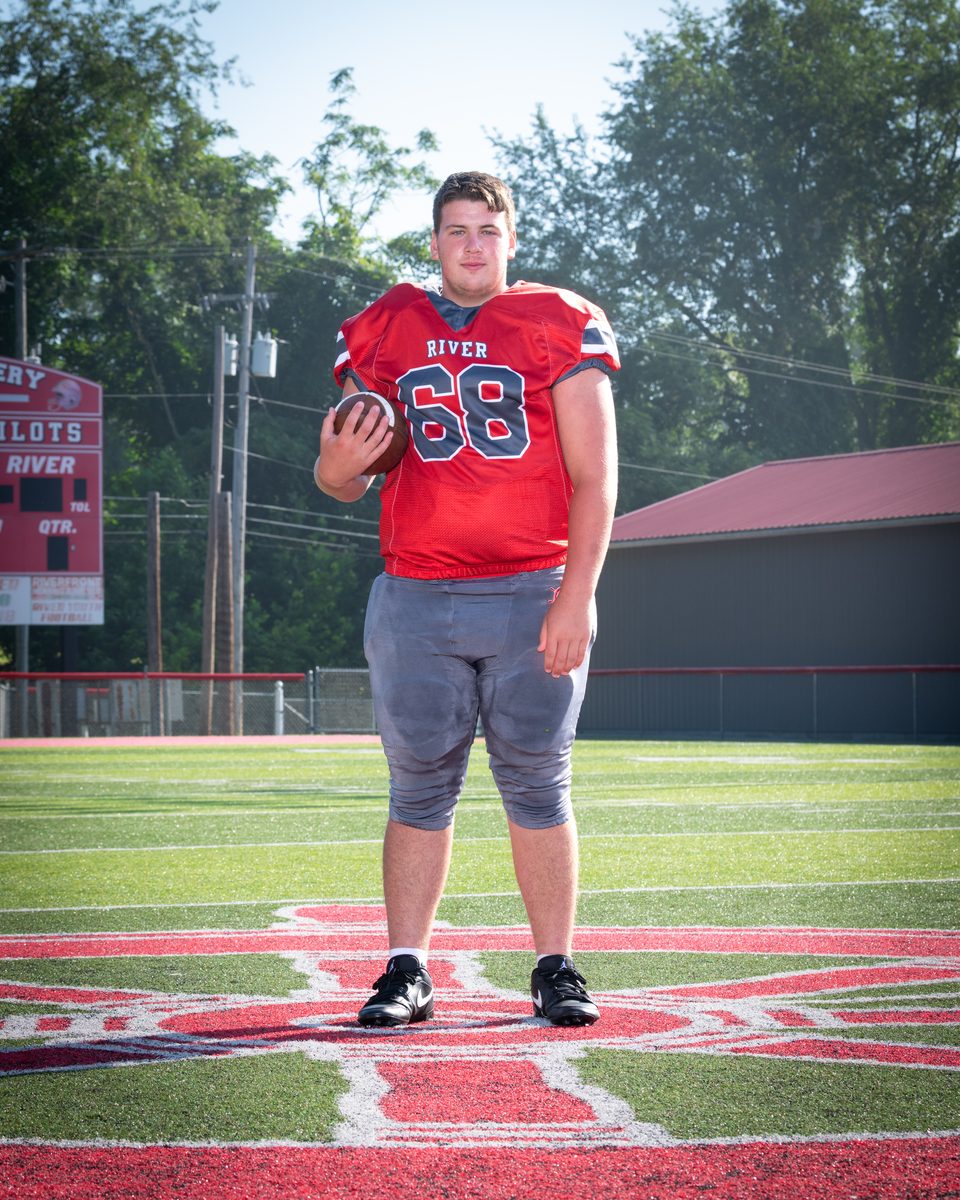
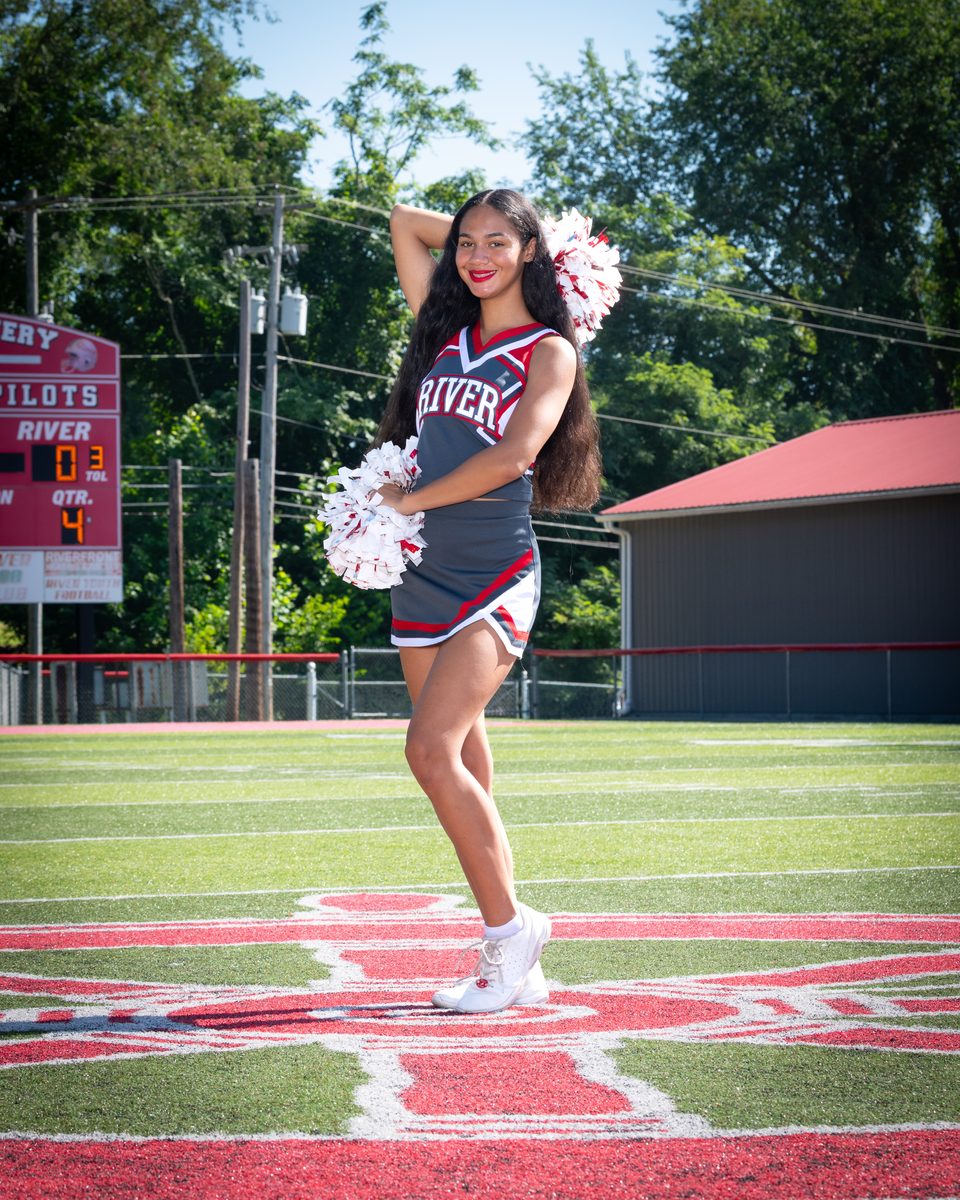
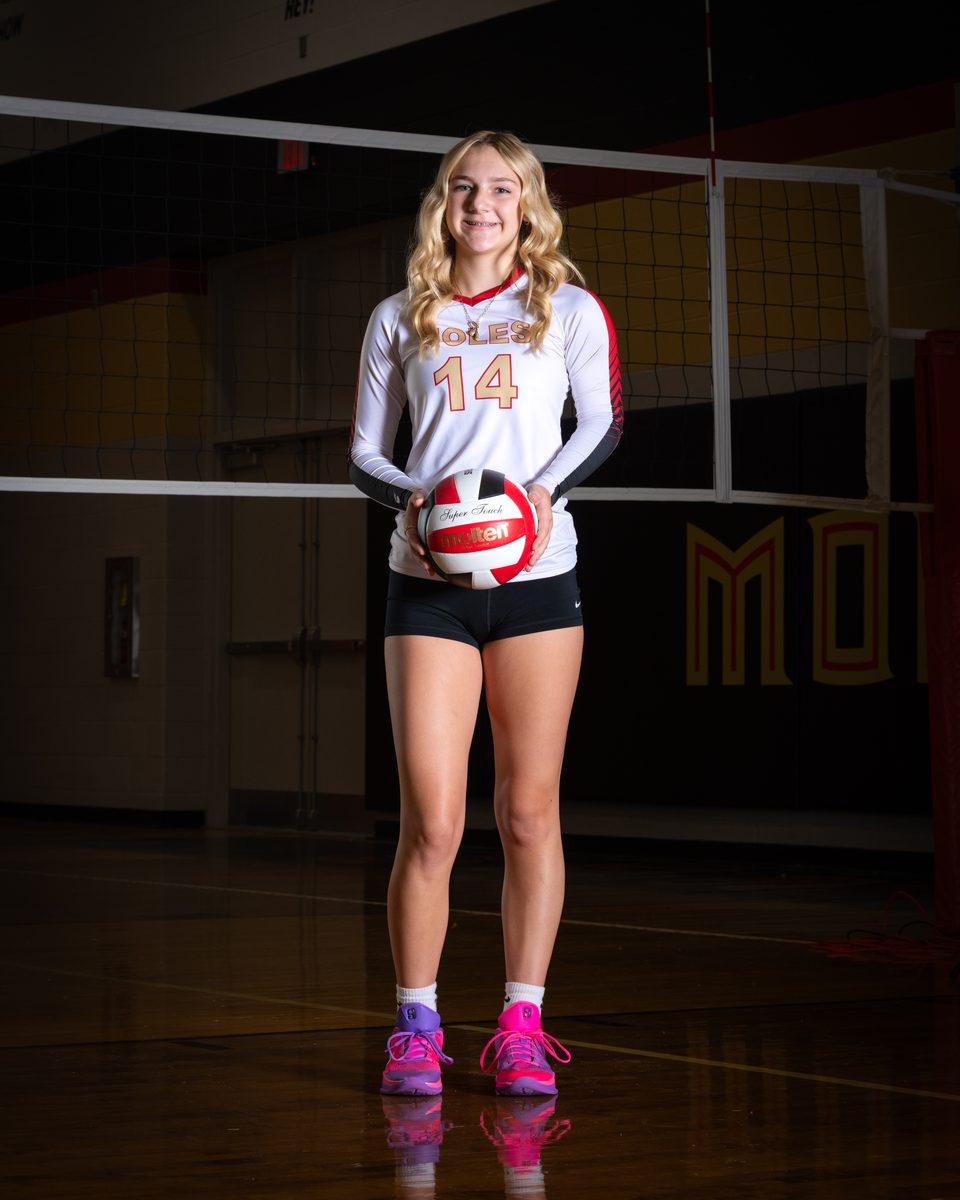
There is nothing you need to buy or set up ahead of time. After your school, league, or studio has picture day, we match every image to the right student and publish it to a private gallery. Your organization usually sends home a flyer with an access code, and we also let you search for your organization directly. When your gallery is ready, that is your cue to view and order.
Go to our Find Your Photos page, open your child's gallery (search your organization or enter your access code), heart your favorite poses, choose prints or digital downloads, and check out securely. That is the whole process.
Start on the DLS Find Your Photos page. From there you have three easy ways in:
If you cannot find your access code, check the flyer sent home or contact your school's office. You can also contact us and we will help track it down.
Inside the gallery, PhotoDay makes it simple to get to the right images. You can use FaceFind, which uses a quick selfie to surface your child's photos, or browse by code. Once you see the photos, tap the heart on your favorites so they are easy to come back to.
Every gallery shows the poses captured on picture day. Take your time comparing them at full size before you decide. Because your gallery is private to your family, only your household sees your child's images.
When you are ready to order, you can pick a package or select individual products, and you can mix and match poses across your order. Digital downloads are available as well. Add what you want to your cart, and you can keep adjusting before checkout.
Review your cart, apply any coupon code you were given, and pay securely through PhotoDay. You will receive an order confirmation, and then you simply watch for delivery. Checkout works from any phone, tablet, or computer.
Prefer to see it? This short walkthrough shows exactly how to open your gallery and place an order.

Trouble with the player? Watch the ordering walkthrough on YouTube.
Each child has their own private gallery. Open each gallery the same way, using your organization search or the access code that applies to that child, then order for each one. If your children attend different schools or programs, you may have a separate access code for each.
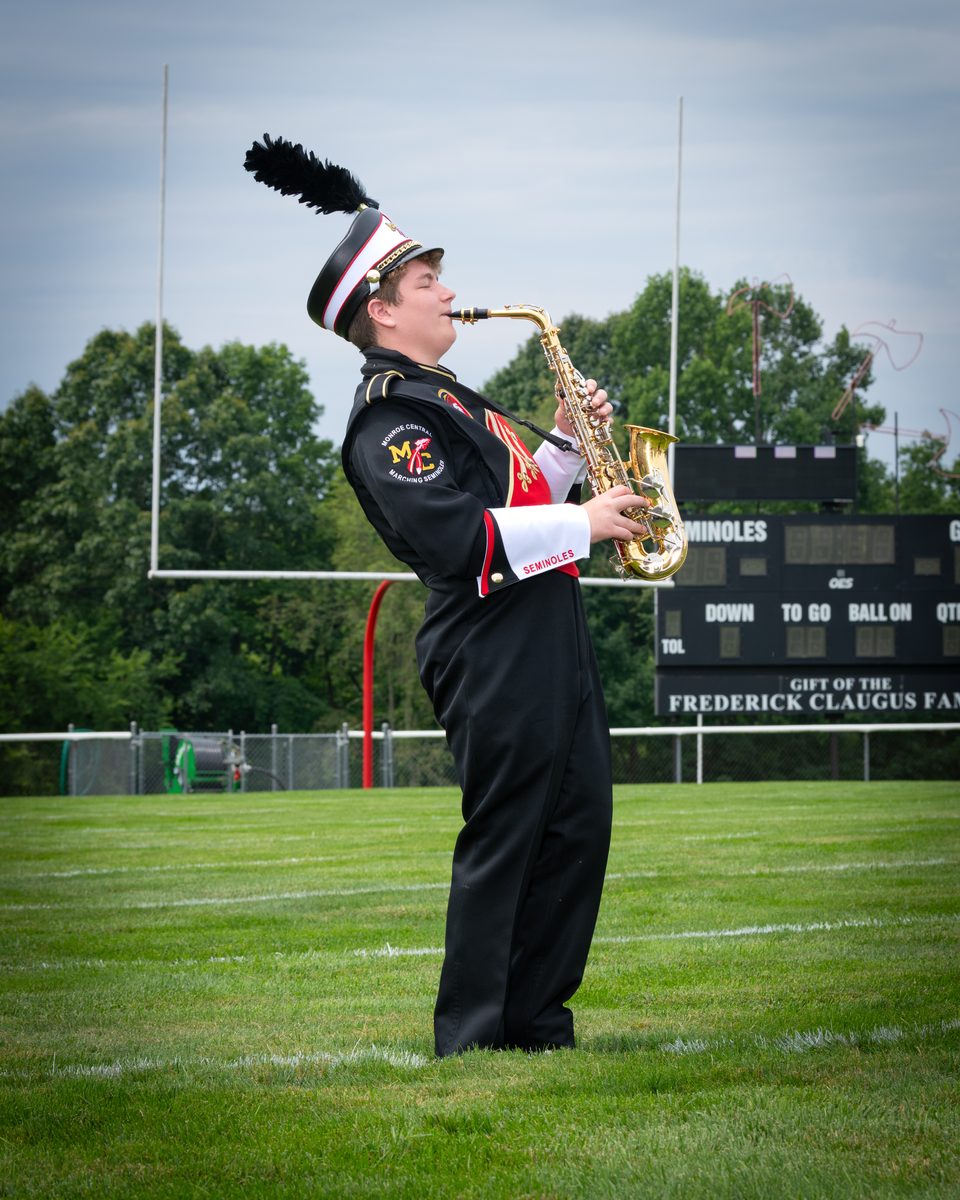
It happens. We offer no-cost retakes for absences or errors, scheduled with each site on a make-up day. If your child was absent or you need a retake, contact your school's office or reach out to us and we will get them added.
My gallery is not available yet. What do I do?
Galleries are published after picture day once every image is matched to the right student. If yours is not live yet, check back shortly, or contact us and we will let you know when to expect it.
My access code is not working.
Double-check it against the flyer sent home. If it still will not open your gallery, text it to 90738 or get in touch and we will sort it out.
Is my child's gallery private?
Yes. Galleries are private to your family, and ordering runs on PhotoDay, a SOC 2 Type II certified platform that is FERPA-aligned and ADA-compliant.
How do I get help with an order?
Shipping questions, changes, or anything else, just reach out. We are real people and we answer quickly.
Call (740) 391-2309 or email info@dls-innovations.com. You can also start right now on the Find Your Photos page or read the FAQs.
Jump in, pick your favorites, and order in minutes. Prints, packages, and digital downloads, all in one secure place.